Networking
80 products
Switches, routers, NAS, UPS and structured cabling from Synology, Ubiquiti, PowerShield and Planet - genuine stock for new installs, upgrades and multi-site rollouts, ready to ship Australia-wide.
Browse the full range in stock and ready to ship.
Real stock, ready to ship.
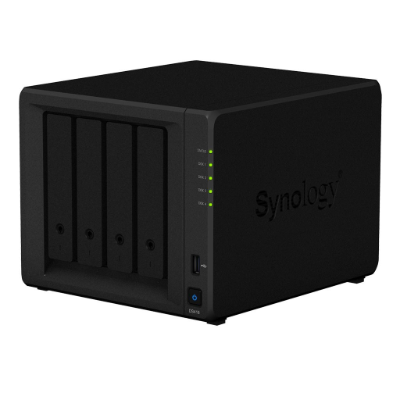
Synology's DS418, a 4-bay desktop NAS - shared storage and backup for a site's cameras, files and video footage.
From $1,209.86 (inc. GST)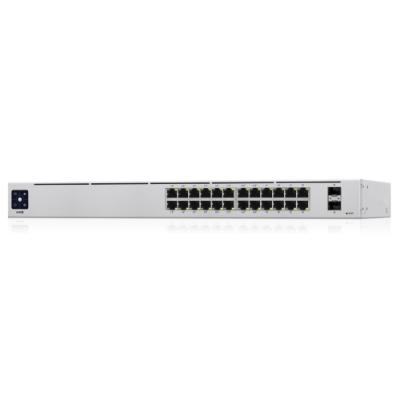
Ubiquiti's UniFi 24-port managed PoE switch, 120W budget - powers access points and cameras while switching the rest of the network.
From $1,475.38 (inc. GST)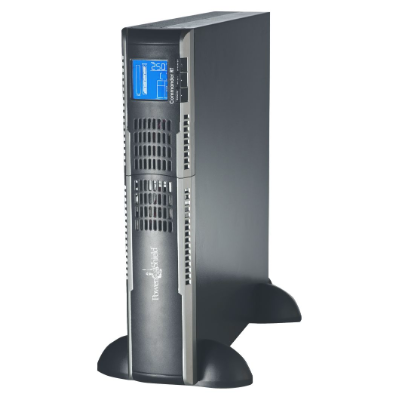
PowerShield's Commander RT 2000VA UPS, rack or tower - keeps switches and servers running through a power outage.
From $1,420.65 (inc. GST)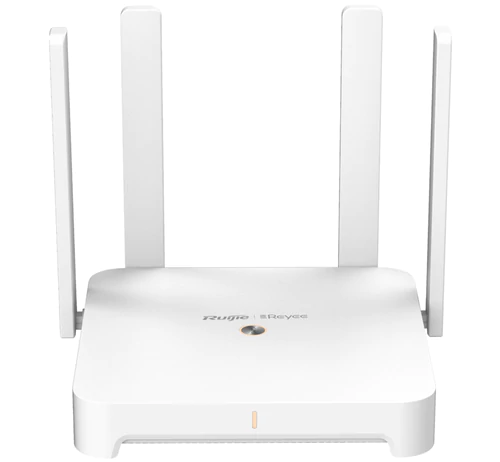
Reyee's Wi-Fi 6 dual-band mesh router - cloud-managed coverage for a site too small to justify a full access-point rollout.
From $147.13 (inc. GST)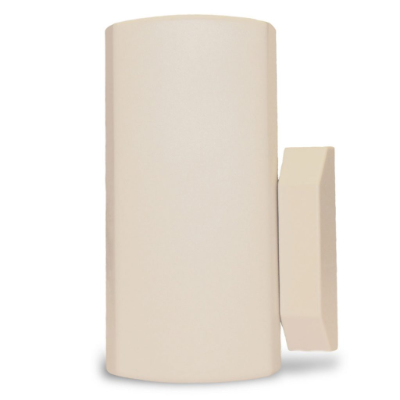
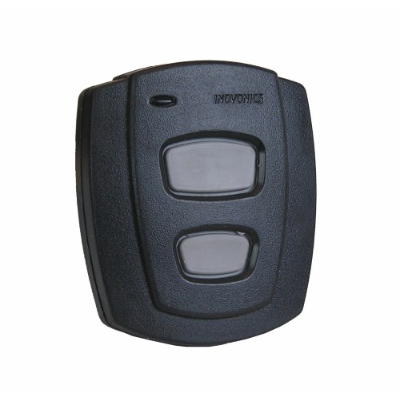
Inovonics' door and window transmitter with reed switch - a wireless sensor for a wireless alarm system's expansion.
From $138.60 (inc. GST)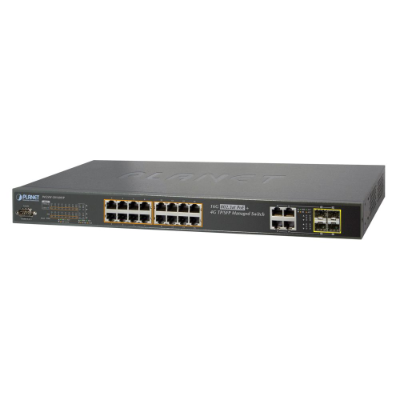
Planet's 16-port PoE managed gigabit switch, 230W budget - mid-sized capacity for a single wiring closet.
From $1,131.63 (inc. GST)Select a brand to view available products.
A managed switch, like the range from Ubiquiti, Planet and Allied Telesis here, is what most sites actually need over an unmanaged one - VLANs to separate a guest network from cameras and payment terminals, and PoE budget to power access points and cameras without a separate power supply at every device. Check the PoE budget against the total draw of everything connected, not just the per-port rating.
A router like Reyee's Wi-Fi 6 mesh range handles a small site's internet connection and wireless coverage in one box. Larger sites are usually better served by separate access points on a managed switch, since a single router's Wi-Fi radio has to serve the whole footprint.
Network-attached storage, like Synology's DiskStation range, is where camera footage, backups and shared files actually live on site. Bay count and drive size need to be sized for retention period as much as camera count - more cameras and longer retention both multiply the storage needed.
A UPS, like PowerShield's Commander and Centurion ranges, keeps switches, NVRs and servers running through a brief outage and gives equipment time to shut down cleanly in a longer one. Structured cabling - patch cable, racks, cable management - is the unglamorous part of the job, but a rack that is not planned for the cable that has to run to it is a rack that gets re-done.
A managed switch lets you separate networks with VLANs - keeping guest Wi-Fi, cameras and payment terminals apart - and supply PoE budget to devices that need power over the cable. An unmanaged switch is cheaper but offers none of that control. For anything beyond a single small office, a managed switch is worth the extra cost.
Add up the power draw of every PoE device you plan to connect - an access point typically needs 15-30W, a PTZ camera can need more - and choose a switch with a total PoE budget above that sum, not just enough per-port wattage. Running close to the limit means the last device plugged in may not power on.
It depends on camera count, resolution and how long you need to retain footage - a higher-resolution camera or a longer retention period both multiply the storage required. Tell us your camera count, resolution and retention period and we can help size the right NAS and drives.
Add up the wattage of everything in the rack you want to keep running, then size the UPS with headroom for future additions - a UPS running at its rated capacity has no room to grow and shortens battery life under sustained load.